Office Hoteling Software
for Smarter Hybrid Workspaces
Book desks in advance, check in on arrival, and let space release itself automatically AastroTech’s office hoteling software keeps every desk working as hard as your team does.
Office hoteling software is a digital platform that helps hybrid teams reserve desks, meeting rooms, and shared workspaces in advance instead of using fixed seating.
Key points:
2. Live floor plans show available desks, rooms, zones, and amenities.
3. Check-in and auto-release features prevent unused bookings.
4. Calendar integrations connect bookings with tools like Outlook and Google Calendar.
5. Utilization analytics help facility teams track occupancy and reduce unused space.
6. It is useful for hybrid offices that want better desk access, space control, and real estate efficiency.
What Is Office Hoteling Software?
Office hoteling software helps hybrid teams reserve desks, meeting rooms, and shared resources in advance, check in on arrival, and release unused spaces automatically.
With average office utilization often sitting between 50% and 65%, AastroTech helps organizations move away from unused assigned desks and manage workspaces more efficiently through real-time reservations, check-in tracking, auto-release, and booking rules.
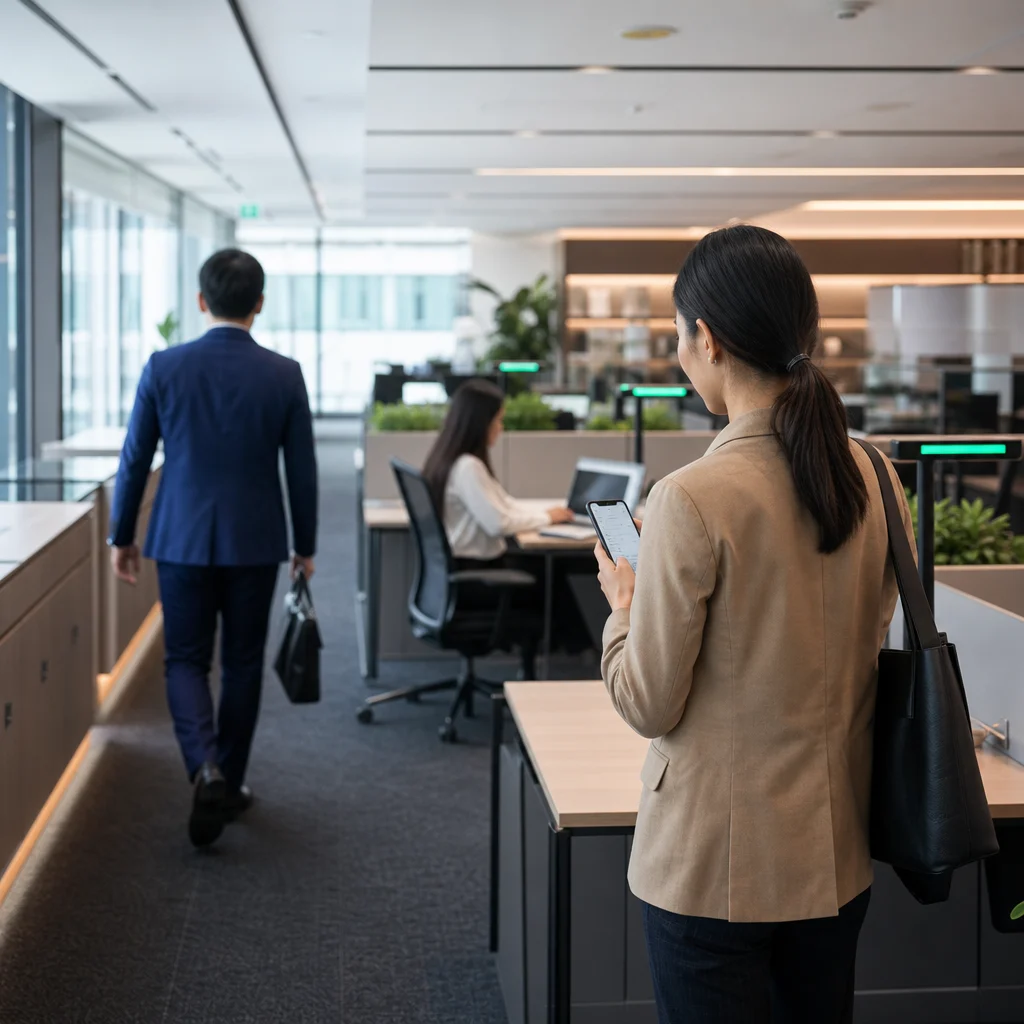
Traditional Fixed Seating vs Office Hoteling Software: What’s the Difference?
| Feature | Traditional Fixed Seating | Office Hoteling Software |
|---|---|---|
| Reservations | Not required; employees have permanently assigned desks | Employees reserve available desks or workspaces in advance |
| Check-in tracking | Generally not required for assigned desks | QR, app, or sensor-based check-in can confirm workspace usage |
| Booking rules | Not applicable to permanently assigned seating | Booking windows, quotas, approvals, and zone restrictions can be configured |
| Utilization data | Not typically linked to desk reservations; separate occupancy tools may be required | Booking and usage data provide visibility into workspace demand and utilization |
| Best suited for | Offices with regular attendance and dedicated workstations | Hybrid workplaces with changing attendance and shared workspaces |
Why Office Hoteling Software Matters: Key Stats
1. Average office utilization across most markets sits between 50% and 65%, even when desks are technically “assigned.”
2. Hybrid organizations using hoteling tools typically run a 0.65–0.80 seat ratio, trimming real estate spend without limiting access.
3. Desks left unconfirmed for 15–30 minutes auto-release back to the booking pool, virtually eliminating ghost reservations.
Key Features to Look for in a Hoteling Platform
1. Booking Rules Engine: Define who can book what, when, and how often advance windows, per-user quotas, and zone restrictions that stop a handful of people from grabbing every desk.
2. Interactive Floor Plans: Live, visual maps showing real-time availability, amenities, and where teammates are sitting, so employees actually use the system instead of working around it.
3. Check-In and Auto-Release: Multiple check-in methods QR code, app, or sensor confirm attendance, with no-show desks releasing automatically to keep utilization data accurate.
4. Utilization Analytics: Occupancy by space, zone, and day; no-show rates; and peak-to-average ratios the numbers facility leaders need to justify real estate decisions.
5. Calendar and Tool Integrations: Two-way sync with Outlook, Google Calendar, Slack, and Microsoft Teams keeps bookings inside the tools employees already use every day.
6. Security and Access Control: SSO, SCIM provisioning, and role-based admin controls satisfy IT and security reviews without slowing down deployment.
Benefits of Switching to Hoteling Software
1. Lower real estate costs by paying for space that’s actually used, not desks assigned on paper.
2. Higher employee satisfaction with guaranteed desk access and no anxiety about arriving early to claim a seat.
3. Better space-planning decisions backed by real occupancy data instead of guesswork.
4. Stronger hybrid coordination, with teams able to see and book near each other on shared in-office days.
5. Reduced admin overhead, replacing spreadsheets and email chains with automated rules.
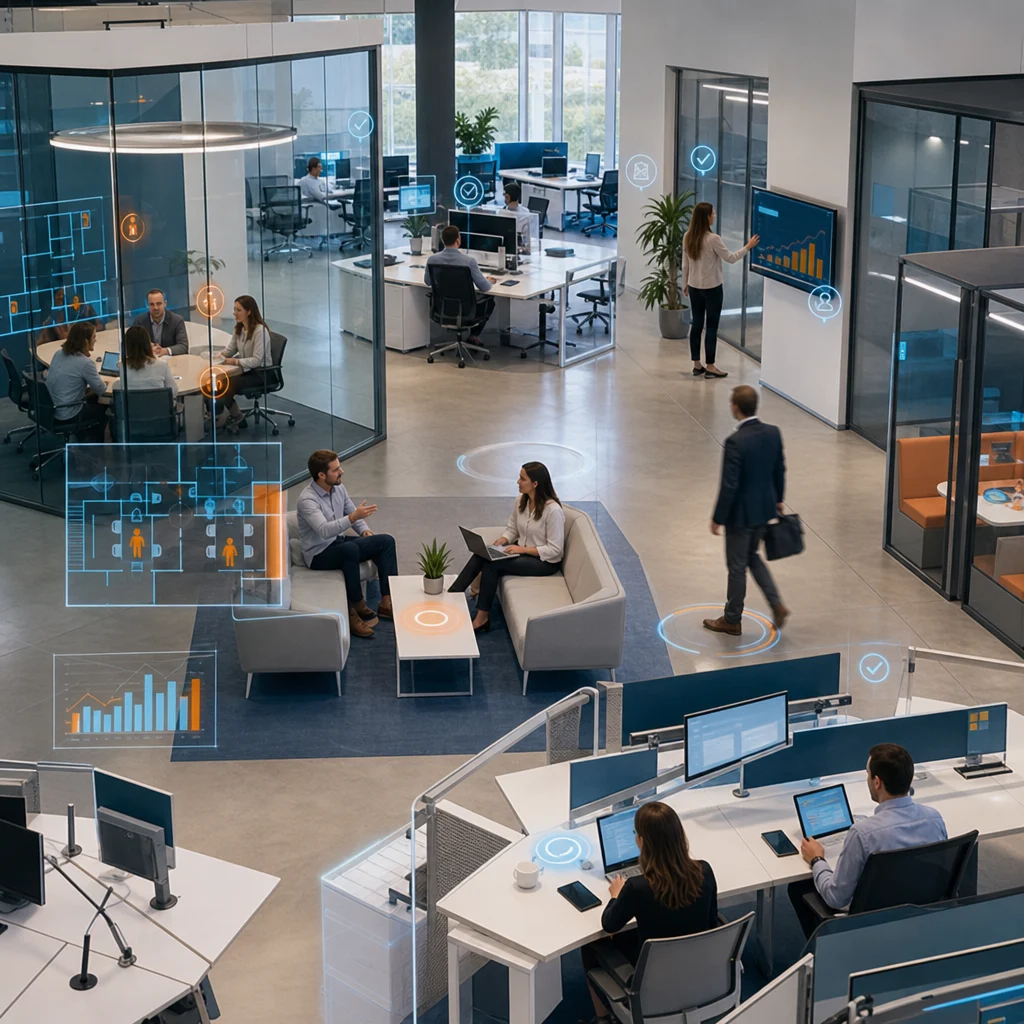
Why Choose AastroTech as Your Hoteling Software Partner
1. Deep booking rules engine: Set quotas, approval flows, and zone-based restrictions without IT involvement or custom development.
2. Real-time check-in and auto-release: Multiple check-in methods keep your floor plan accurate to the minute, not just to the calendar.
3. Transparent, space-based pricing: Pay for desks and rooms, not headcount, so costs stay predictable as your team grows.
4. Built-in analytics dashboard: Get utilization, no-show, and peak-day reports your leadership team can act on, with no manual exports required.
5. Fast, self-serve rollout: Launch a working pilot in days, not months, with floor plans configured without a lengthy implementation project.
6. Enterprise-grade security: SSO, SCIM, and role-based admin controls included as standard, not locked behind a premium tier.
| Capability | Spreadsheets / Manual | Basic Booking Tools | AastroTech |
|---|---|---|---|
| Advance booking | Manual, error-prone | Yes | Yes |
| Auto-release on no-show | No | Limited | Yes |
| Booking governance (quotas, approvals) | No | Basic | Advanced |
| Utilization analytics | No | Basic | Full dashboard with export |
| Pricing model | N/A | Often per-user | Per-space, predictable |
| Setup time | N/A | Weeks | Days |
Stop Paying for Empty Desks
FAQs
1. What is office hoteling software?
Office hoteling software is a reservation-based workspace platform that lets employees book desks or rooms in advance, check in to confirm arrival, and automatically free the space if they don’t show up replacing fixed seating with flexible, data-backed space management.
2. How is hoteling different from hot desking?
Hot desking is unassigned, first-come-first-served seating with no reservations. Hoteling software adds advance booking, check-in confirmation, auto-release, and governance rules, giving facility teams the visibility and control hot desking can’t offer.
3. What size organization needs office hoteling software?
Any hybrid team with variable attendance can benefit, but it’s most valuable above 50 employees, where shared desks across teams, departments, or locations make manual coordination break down.
4. Does office hoteling software integrate with Outlook or Google Calendar?
Yes. AastroTech offers two-way calendar sync with Outlook and Google Calendar, plus native integrations with Slack and Microsoft Teams, so bookings appear automatically in the tools employees already use.
5. What happens if an employee books a desk but does not show up?
AastroTech supports check-in and auto-release features. If an employee does not confirm arrival within the defined grace period, the desk can be released automatically for others to book.
6. How quickly can we roll out AastroTech's hoteling platform?
Most teams launch a working pilot within days. Floor plans, booking rules, and check-in settings can be configured without a lengthy implementation project or dedicated IT resources.
7. Is hoteling software secure enough for enterprise use?
Yes. AastroTech includes SSO, SCIM provisioning, and role-based admin permissions as standard, meeting the security requirements most IT teams expect during procurement review.
8. Can office hoteling software reduce unused desk space?
Yes. Office hoteling software helps organizations track real desk usage, manage reservations, and release unused spaces automatically. This allows facility teams to reduce empty assigned desks and make better decisions about space planning.
9. Does AastroTech support desk booking across multiple office locations?
Yes. AastroTech can support desk and space booking across multiple office locations, making it easier for hybrid teams to reserve workspaces, manage availability, and maintain consistent booking rules across different offices.
10. Can employees choose desks based on teams or amenities?
Yes. Employees can use interactive floor plans to find desks by location, amenities, zones, or team proximity. This helps teams coordinate in-office days while giving employees more control over where they work.