

How to Implement a Desk Management System That Actually Works for Your Team
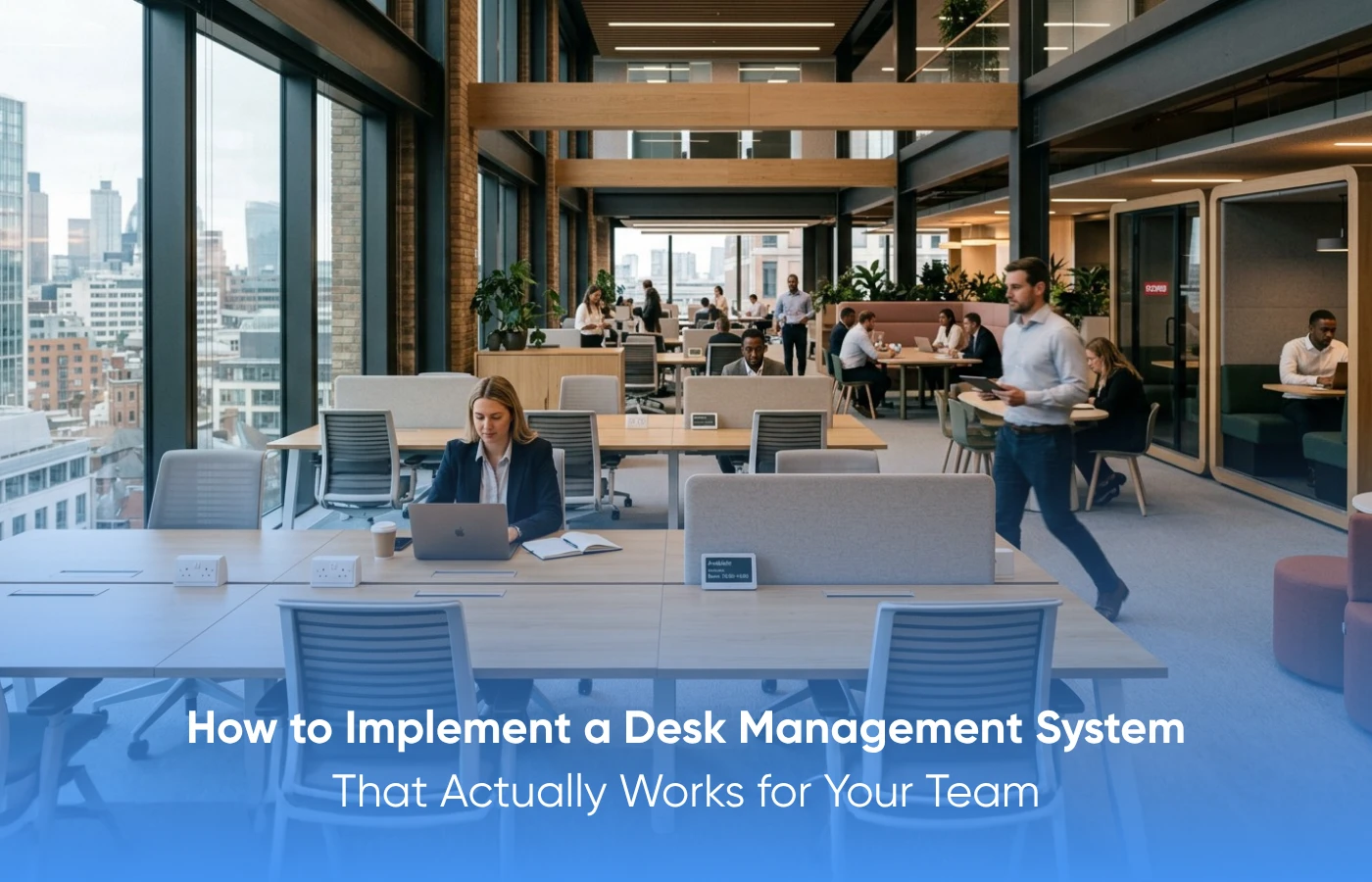
A desk management system lets people book workstations, lets facilities track how those desks are used, and lets leadership stop guessing about office space. Done right, it cuts wasted square footage, keeps hybrid teams running smoothly, and replaces opinions with data on what your office really needs.
Key steps to get it right:
• Pick a system that plugs into the calendars and tools your team already uses.
• Make booking simple enough that nobody needs a training session.
• Set clear booking rules and revisit them on a fixed schedule.
• Use the analytics. Let real usage data shape your office layout, not assumptions.
Monday morning. Two hundred desks across the floor. Sixty people walked in. And somehow three teams are crammed into the same cluster near the windows, while half the south wing sits empty.
The space is fine. The visibility is not. And that single gap quietly burns budget, frustrates employees, and pushes the facilities team into a corner week after week.
This blog walks through the full picture: how to align the right people up front, how to choose the right platform, and how to keep using the data long after launch.
Why Should You Involve All Stakeholders Before Choosing a Desk Management System?
The people using the system every day know things your IT team will never see in a vendor demo. Bringing them in early is what stops you from buying a platform that looks great in slides and falls apart in practice.
1. Map out who is affected:
HR, IT, facilities, department heads, and team leads each look at desk management through a different lens. Pulling those perspectives together before you talk to vendors gives you a far sharper evaluation criteria than any feature list ever will.
2. Run stakeholder workshops:
Research from Jennifer Hall and colleagues found that consulting stakeholders about workplace changes meaningfully increases the odds of successful adoption. That outcome matters more than ticking boxes during procurement.
How Should a Desk Management System Integrate with Your Existing Tools?
The system needs to live alongside the tools your team already uses, calendars, chat, security, without becoming a six-month project for IT.

Look for native connectors first:
Before you compare features, list the tools your team actually relies on. Calendar apps, Teams or Slack, and visitor management are usually the three integration points that matter most. Vendors with these prebuilt save IT a lot of work and avoid surprises later.
Respect IT’s capacity:
Custom integrations cost time and people you may not have. A platform that works with your existing network and Wi-Fi out of the box is a real shortcut when IT is stretched thin.
Test it before you commit:
Ask vendors for a sandbox so you can see the system running against your actual stack. Catching integration issues during a pilot is always cheaper than catching them after rollout.
What Makes a Desk Management System Easy Enough for Employees to Use Without Training?
People should be able to book a desk in under a minute, on whatever device is in their hand. The moment basic actions need a tutorial, you have already lost half the room.
The most feature-rich system on the market will fail if it feels heavy. In the first few weeks of any rollout, adoption is the only metric that matters, and adoption is decided by the user experience.
1. Mobile booking is non-negotiable:
People decide where they’re sitting on the way to work, not at their desk. A clean mobile flow lets them book before they get on the metro.
2. Interactive floor maps help:
3. Test with the least technical people:
How Often Should Desk Booking Policies Be Reviewed and Updated?

4. Let data drive the policy:
The system already shows which days are over-booked, which floors barely hit half capacity, and how far ahead people reserve. Policy updates rooted in those numbers land better and trigger fewer complaints.
5. Kill ghost bookings with a clear rule:
Reserved desks that stay empty are the single biggest source of friction in any hybrid office. A simple auto-release policy, free the desk if nobody checks in within 15 to 30 minutes, solves most of it.
6. Communicate every change with context:
When a policy shifts, tell people why. A short note that explains the change and the problem it solves builds trust in the system and heads off the pushback that comes when changes feel arbitrary.
How Do You Use Desk Management System Analytics to Keep Improving Office Space?
Watch the four numbers that matter:
Pair booking data with sensor data:
Use it for real estate decisions:
AastroTech offers a desk management system built for fast, scalable rollout without piling work on your IT team. It includes real-time desk booking, interactive floor maps, IoT occupancy sensors, and a complete analytics dashboard, all available on mobile and desktop.
Built for hybrid offices and multi-floor setups, the platform plugs into your existing calendars and communication tools. No changes to your network, no Wi-Fi reconfiguration, nothing for IT to redesign.
Where Does This Leave You?
Start with the right people, choose a platform that fits how your team already works, and keep refining as patterns shift. A desk management system delivers its full value as a continuous discipline, not a single deployment.
If you are still running on manual systems and shared spreadsheets, the gap is real, and it is widening. Hybrid work is not getting simpler. The case for moving now is only getting stronger.
Ready to take the friction out of your workspace? Get in touch with AastroTech to talk options.
FAQs:
1. What is a desk management system, and why do companies need one?
It helps companies book and track workstations efficiently. The right system manages reservations, supports hybrid work, and gives leadership a real view of how space is being used.
2. How should an organization start adopting a desk management system?
Begin by mapping the actual problems, audit current desk usage, pull in stakeholders from HR and IT, set business goals, and then choose software that fits.
3. Why involve all stakeholders before picking a solution?
Different departments see different things. Bringing them in up front ensures the platform fits day-to-day workflows, IT realities, HR policies, and facilities operations.
4. What features actually matter when choosing one?
Mobile booking, interactive floor maps, calendar integration, occupancy tracking, analytics, policy controls, and quick deployment. Anything beyond that is bonus.
5. How do you make sure the system is genuinely user-friendly?
Employees should be able to book from a phone or laptop without instructions, see a clean visual of the office, and finish a booking in well under a minute.
6. How often should the booking policy be reviewed?
Once a quarter, at minimum. Attendance habits shift fast in hybrid setups, and ghost bookings need ongoing attention.
7. What role do analytics play in getting the most out of the system?
They surface patterns in occupancy, no-shows, busy zones, and dead zones, giving leadership the evidence they need to make smarter workspace decisions.
8. How does AastroTech support businesses rolling this out?
With scalable booking, real-time occupancy data, interactive floor mapping, IoT integration, and clean compatibility with the tools your team already uses.
9. Why is AastroTech’s solution suited to hybrid workplaces?
It handles multi-floor, multi-site offices with flexible booking, smart occupancy tracking, a clean interface, and strong policy controls. The basics, done right.
10. What do organizations actually gain from a desk management solution?
Better space utilization, lower operational costs, smoother coordination across teams, a sharper employee experience, and decisions backed by data instead of guesswork.
