Stop Losing Productive Hours to
Conference Hall Booking System Conflicts
A modern conference hall booking system that keeps your meeting rooms filled and your teams focused on what actually matters.
A conference hall booking system is a software solution that helps employees schedule, manage, and track meeting spaces with ease. It reduces common workplace issues such as double bookings, empty reserved rooms, and last-minute confusion. It also integrates with tools like Google Workspace and Microsoft 365, so teams can manage bookings through platforms they already use.
Core Features to Look For
When choosing a conference hall booking system for your workplace, look for features that make room scheduling easier, faster, and more reliable.
1. Calendar Sync
Two-way calendar syncing helps prevent scheduling conflicts across Outlook, Google Calendar, and other workplace calendar tools.
2. Interactive Touch Displays
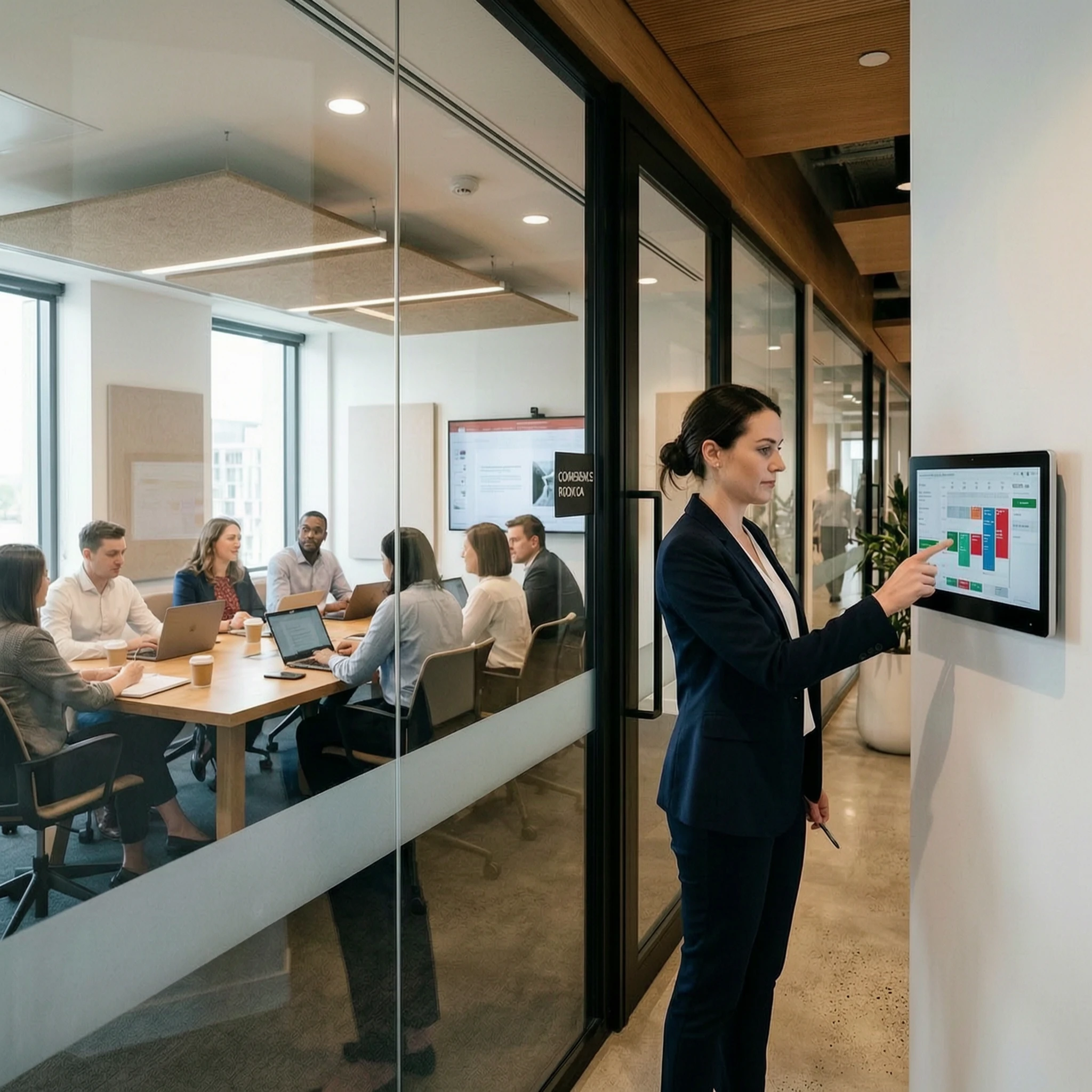
Room display integrations, such as touch panels outside meeting rooms, show real-time availability, upcoming bookings, and room status.
3. Check-In Mechanisms
If a meeting host does not check in within a set time, the system can automatically release the room for others to use.
4. Usage Analytics
Dashboards show peak booking hours, room utilization, and space usage patterns, helping facility teams make better workplace planning decisions.
5. Automatic Release if No Show:
If a meeting host does not check in within a set time, the system can automatically release the room for others to use.
Latest Statistics
1. 40% – Avg. meeting room underutilization.
2. $25K+ – Annual cost of unmanaged room waste.
3. 2.1 hrs – Lost per employee/week.
4. 73% – Teams prefer self-service scheduling.
Why Are Your Conference Halls Still Managed Manually?
For many organizations, meeting room management still depends on shared calendars, email chains, or manual updates. This often leads to double bookings, unused reserved rooms, and confusion for both employees and facility teams.
A Conference Room Booking System solves this by giving teams real-time visibility, easier scheduling, and better control over how meeting spaces are used.
What the Research Actually Says About Conference Hall Booking System Usage?
Before investing in a system for booking conference halls, it helps to understand the scale of what you’re solving.
These aren’t edge-case numbers. They reflect what’s happening in offices of every size, across every industry and they make a strong case for moving beyond manual processes.
What Should a Conference Hall Booking System Actually Do?
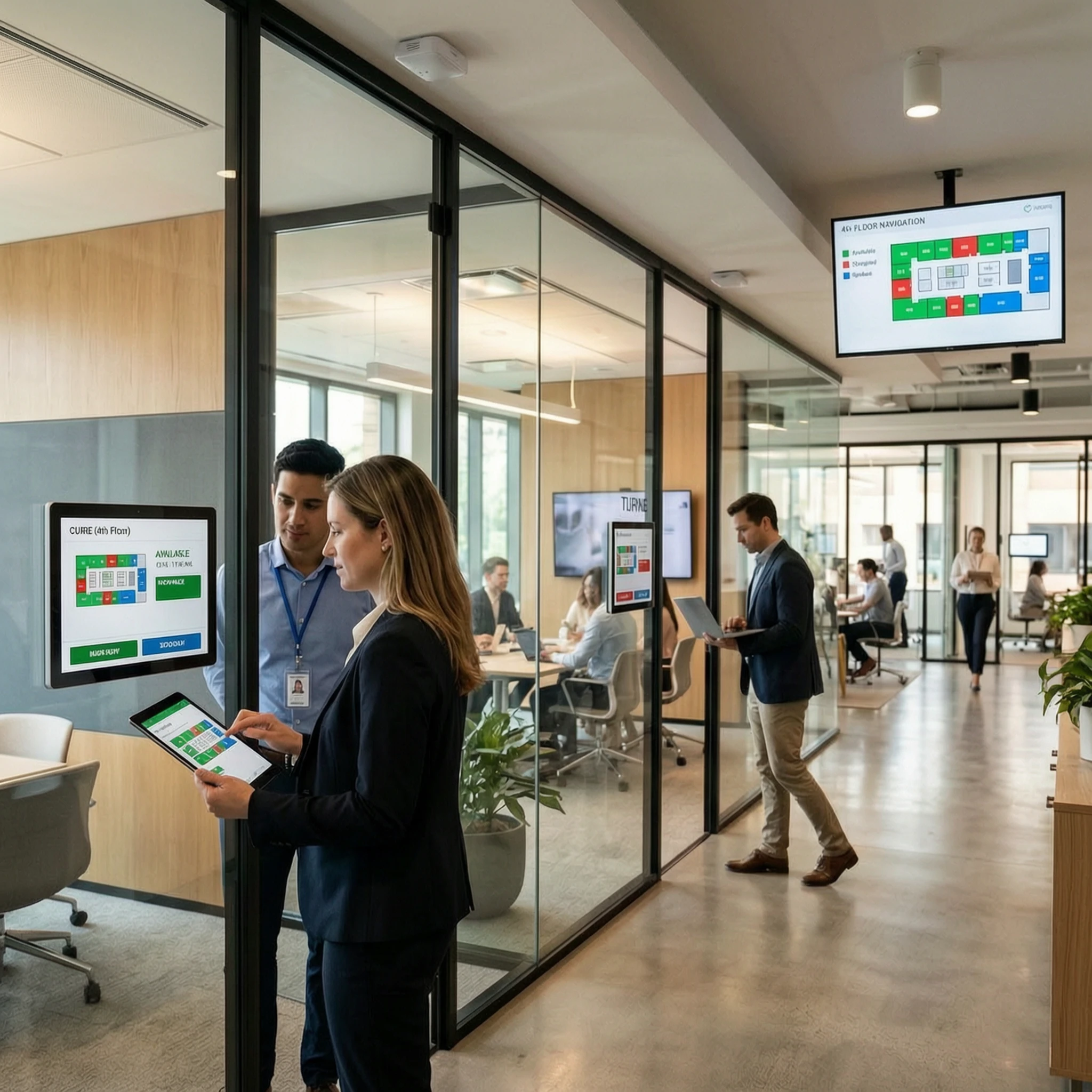
1. Floor Plan View Employees browse CAD-based office layouts on mobile or desktop, see real-time availability, and book the right room without back-and-forth.
2. Occupancy sensors physical sensors detect whether a booked room is actually in use. If a meeting doesn’t start within the configured grace period, the room is quietly released back into the pool.
3. SSO integration connects with Okta, Gmail, Office 365, and more, allowing employees to log in with credentials they already have, with no new accounts or onboarding overhead.
4. Mobile App A is a fully branded booking experience, published under your company name on the App Store and Google Play. Something employees actually want to open.
5. Booking Rules: Set team-level permissions, maximum durations, advance booking windows, and grace period timers all from an admin dashboard, no code required.
6. Utilization Reports Facilities managers get clear data on peak hours, underused rooms, and occupancy trends, turning space planning from guesswork into strategy.
How Does a Conference Hall Booking System Work from Start to Finish?
Once live, employees open the app or web dashboard, browse an interactive map of the office, and book whichever conference hall fits their needs. The whole process takes under a minute. Occupancy sensors run quietly in the background confirming actual use, releasing empty rooms, and building the utilization data your facilities team needs to make smarter decisions over time.
Integrations: Okta · Gmail · Office 365 · Google Workspace · Slack · MS Teams · Azure AD · Zoom
What Does Poor Management Actually Cost You?
Most organizations underestimate this. The visible cost is the empty room but the real cost lives in what surrounds it. An employee who spends ten minutes finding an available space before every meeting loses over 40 hours a year to that friction alone. A facilities team managing meeting room conflicts manually is absorbing overhead that should be going toward higher-value work. And when utilization data doesn’t exist, every office expansion or layout change becomes an expensive guess.
A well-implemented conference hall booking system doesn’t just tidy up the scheduling process; it gives leadership a factual basis for space decisions, reduces invisible productivity drain, and signals to employees that the workplace is managed with intention.
1. Hidden Productivity Loss: Employees lose an average of 2.1 hours per week navigating booking friction time that compounds silently across your entire headcount.
2. Unplanned Space Costs: Without utilization data, office expansions and redesigns are driven by perception rather than evidence, often leading to costly overcorrections.
3. Admin Overhead: Facilities teams spend significant time resolving double bookings, chasing cancellations, and manually reallocating rooms; work the right system eliminates entirely.
What Should You Look for Before Choosing a Conference Hall Booking System?
1. Integration Depth: A system that syncs superficially with your calendar but doesn’t support SSO or real-time directory sync will create more admin work, not less.
2. Sensor Compatibility: If the platform supports occupancy sensors, confirm it works with hardware you can actually procure and maintain, not a proprietary lock-in.
3. Customization Range: Generic booking rules rarely fit complex organizations. Look for granular control over permissions, durations, and room-level policies.
4. Scalability Path: A system that works for 10 rooms should also work for 100. Confirm how the platform handles multi-floor, multi-site, and multi-region deployments.


Why Do Growing Businesses Choose AastroTech?
Ready to Reclaim Your Conference Halls?
FAQs
1. Why do we need a Conference Hall Booking System if we already use Google Calendar?
Google Calendar handles basic bookings, but a Conference Hall Booking System adds floor plan visibility, occupancy validation, access rules, and better control when multiple rooms, teams, and schedules are involved.
2. How long does implementation take?
Most offices can go live within 2 to 4 weeks. If sensors are included, installation may take an additional 3 to 5 days based on office size.
3. Will a Conference Hall Booking System disrupt our existing workflows?
No. It works with your existing calendar and identity tools, so employees can continue using familiar platforms while gaining smarter room management features in the background.
4. Can we restrict certain rooms to specific teams?
Yes. Admins can configure room-level and team-level permissions, booking durations, access rules, and advance booking windows based on workplace requirements.
5. What happens if a sensor malfunctions during a booking?
The room remains booked and is not auto-released due to a sensor fault. Admins receive an alert that helps them resolve the issue without disrupting the meeting.
6. How does a Conference Hall Booking System help measure ROI?
Built-in reports track occupancy rates, ghost bookings, peak-hour usage, and room demand from day one, helping teams measure space efficiency and improve workplace planning.
7. Can the mobile app carry our company branding?
Yes. The app can be published with your company name, logo, colors, and typography, creating a fully branded experience without visible third-party branding.
8. What integrations does AastroTech support?
AastroTech supports integrations with Okta, Google Workspace, Office 365, Azure AD, Slack, Microsoft Teams, and Zoom, with SSO configured by the implementation team.
9. Is there a long-term contract for this Conference Hall Booking System?
No. Aastro Tech offers flexible engagement terms with no lock-in, along with dedicated onboarding support regardless of the plan size.
10. What does ongoing support from AastroTech include?
Ongoing support includes system health monitoring, utilization reviews, and continued assistance as your office layout, teams, and meeting room requirements evolve.