

How Does a Room Occupancy Sensor Improve Meeting Room Usage?
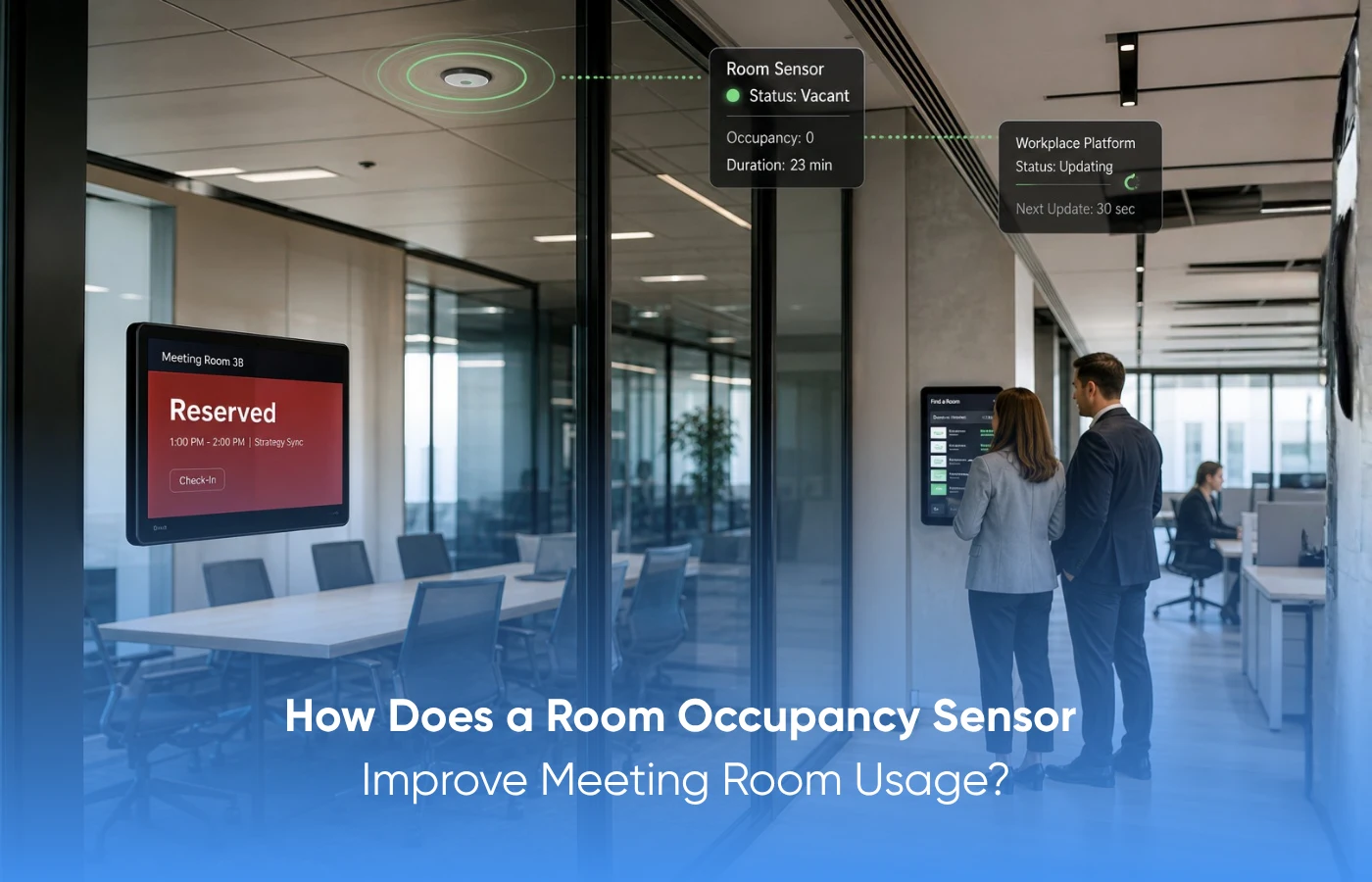
A room occupancy sensors detects human presence and helps control lights, HVAC, and other connected systems. It saves energy by reducing usage when a room is vacant and also helps offices understand actual room usage.
How It Works:
1. PIR Sensors: Detect body heat and motion in clear, open spaces.
2. Ultrasonic Sensors: Use sound waves to detect movement, even around partitions.
3. Dual Sensors: Combine PIR and ultrasonic detection for better accuracy.
Both systems should be present in an up-to-date office environment.
What Is a Room Occupancy Sensor?
Room Occupancy Sensors are devices that detect occupancy in meeting rooms, cabins, conference rooms, or collaboration rooms. Such sensors send this information to a room booking system, building management system, or even a workplace dashboard.
The idea here is very straight forward. Companies gain real-time insights into room occupancy without relying on manual checks.
These sensors will allow teams to learn about the following:
1. Room status: Whether a room is occupied, vacant, or booked but unused
2. Usage patterns: Which rooms see the highest demand during the day
3. Space mismatch: Whether small groups use large meeting rooms too often
4. No-show behavior: How often people book rooms and never use them
5. Early release opportunities: Whether rooms can be freed when meetings end early
This gives facility teams better control over one of the most used spaces in the office.
How Does a Room Occupancy Sensor Work?
The Room Occupancy Sensor detects presence, motion, body heat, sound waves, and environmental changes within the room. The collected data is then transferred to the software on the device.
Various types of sensors can be used depending on various applications.
1. PIR sensors: They detect body heat and movement and are suitable for smaller meeting rooms as well as applications with limited budgets.
2. Ultrasonic sensors: They detect movement using sound waves, including movements made by seated people.
3. Dual-technology sensors: They combine ultrasonic and PIR detection for improved accuracy.
4. Optical sensors use video or images to detect the presence of an individual. Privacy is built into these sensors.
5. Internet of Things-enabled sensors: They provide data on presence as well as temperature, humidity, and light, among others.
Most offices will select a suitable option based on the available factors.
Why Do Offices Need a Room Occupancy Sensor?
The Room Occupancy Sensor enables organizations to shift from room utilization assumptions to room utilization facts. Most organizations only depend on room booking information, creating loopholes. A room might be considered occupied even if it has been vacant for an hour. This tiny loophole results in a major problem in the workplace over time.
There are at least three major problems that sensors help solve, including:
1. Ghost booking: rooms are booked, yet no one shows up.
2. Short meetings: in which a room is booked for an hour, but the meeting ends in twenty minutes.
3. Room hunting: the process by which workers waste valuable time looking for suitable space.
In most cases, the above problems occur daily, resulting in lost productivity, time, meeting room capacity, and energy.
How Does a Room Occupancy Sensor Support Automated Check-In?
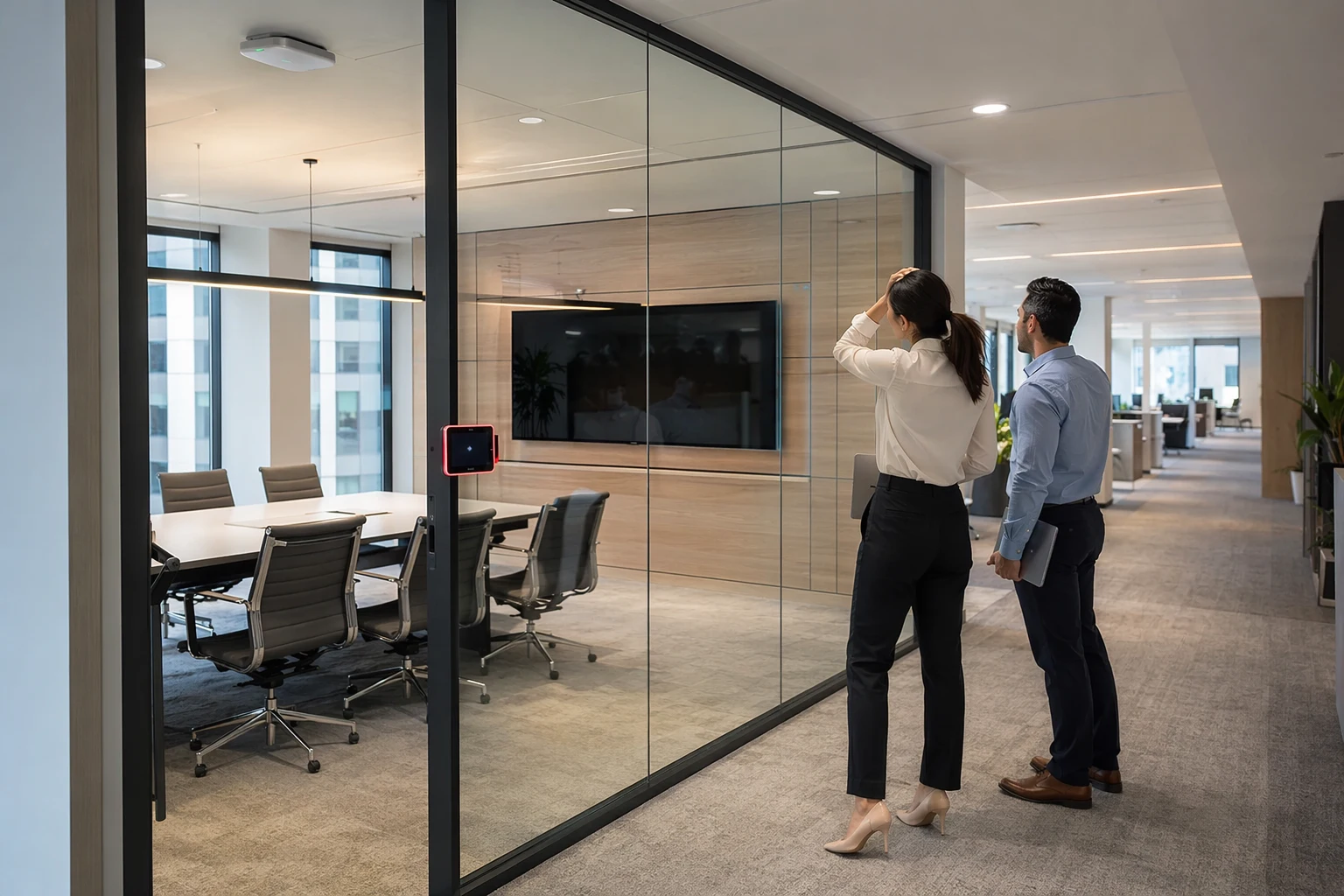
A Room Occupancy Sensor can automatically assign an ‘occupied’ status after a specified period if occupancy is detected. In that way, it becomes unnecessary for the employees to do their check-in procedure via an application or tablet.
For example, if a meeting room is booked from 10:00 AM, the system does not immediately assume the meeting has started. It waits to see whether people actually enter the room. If the sensor detects presence for a set period, such as 5 minutes, the system confirms that the room is in use and marks the meeting as active.
This helps avoid false updates when someone quickly enters the room for cleaning, inspection, or setup.
Two positive outcomes result from this feature:
1. Accurate status update: the room display provides accurate occupancy information.
2. Reduced Manual Effort: now, employees can start the meeting without having to go through additional steps to check in.
Furthermore, the specified waiting period makes sure there are no false occupancy reports. A cleaner, a housekeeping member who enters the room, or even a guest cannot start the scheduled meeting during the period of occupancy.
How Does a Room Occupancy Sensor Help Reduce No-Shows?
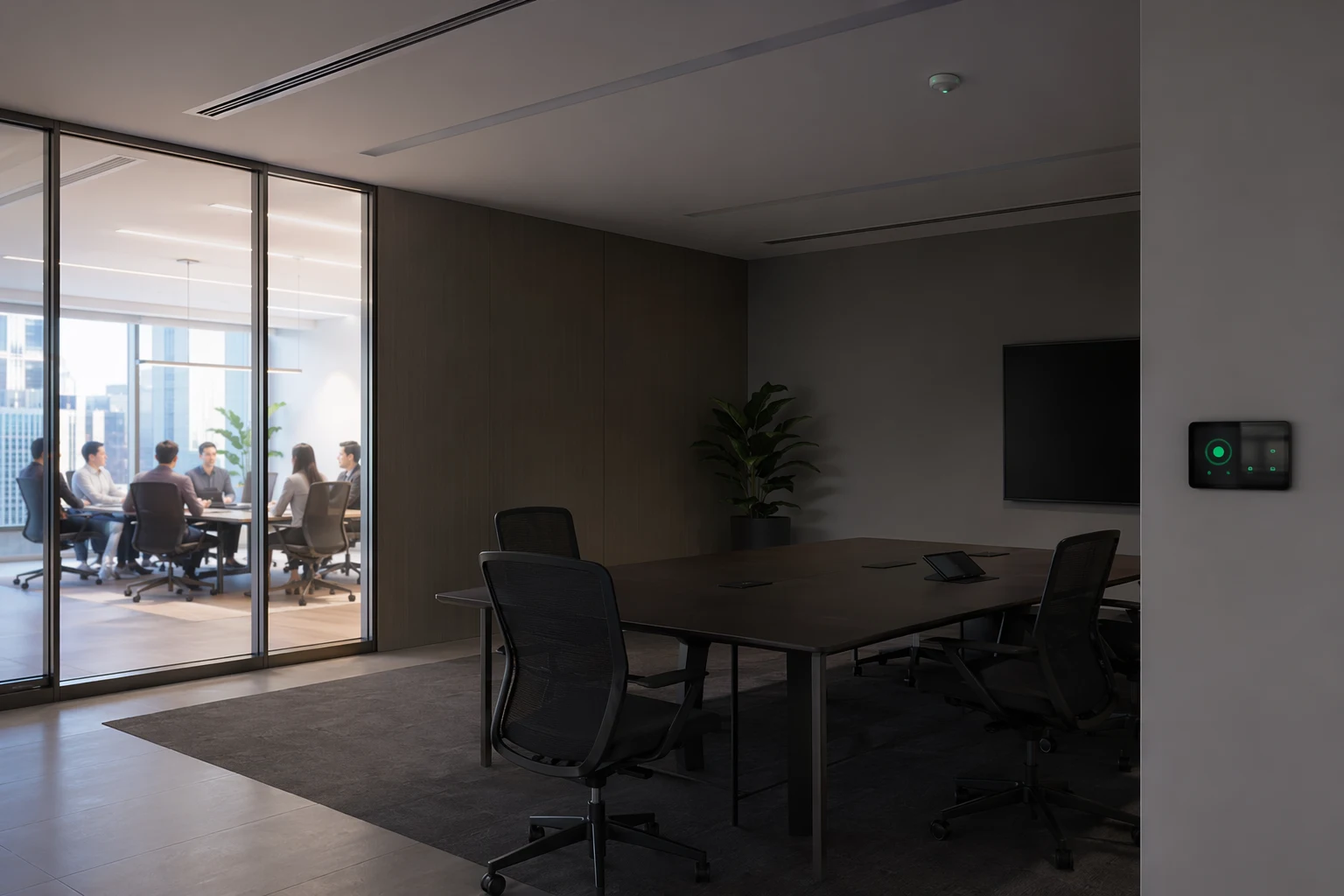
The function of a Room Occupancy Sensor is to detect no-shows by determining whether any action occurred after the reservation began. If the room is left idle beyond the grace period, the reservation can be cancelled and the room released.
It is important because meeting rooms usually remain reserved for longer periods due to forgotten reservations.
One approach could be as follows:
1. Reservation starts: The system waits for sensor activity.
2. No presence detected: The room is physically left unoccupied.
3. Ends grace period: The system registers a no-show reservation.
4. Release the room: Employees can make another reservation.
In this way, meeting room availability is optimized without the need to pester the facilities team or constantly update the calendar.
How Does a Room Occupancy Sensor Improve Energy Efficiency?
A Room Occupancy Sensor may be linked with lighting, HVAC, and Building Automation Systems. In the absence of occupants, the lights and air conditioning can be automatically lowered. Once occupants arrive, the room becomes comfortable again.
This ensures energy savings without sacrificing comfort.
The advantages in terms of energy consumption are:
1. Control of Lighting: The lights turn on upon occupancy and turn off once no one is present.
2. Optimization of HVAC: The air conditioning system operates based on the room’s occupancy status.
3. Less waste: There will be no energy wastage in unoccupied rooms.
4. Good comfort level: Occupied rooms will always be prepared for business meetings.
How Does Aastro Tech Support Smarter Meeting Room Occupancy Monitoring?
The key advantages of using Aastro Tech include the following:
1. Increased meeting room availability.
2. Decreased number of underutilized booking slots.
3. Facilitating the automation of the room’s lighting and heating systems.
4. Assisting employees in understanding how often the room is used.
5. Facilitating more effective workplace strategy using data.
The Room Occupancy Sensor provides organizations with better insights into meeting room utilization. Bookings give an idea of what was intended. Occupancy sensors tell organizations what occurred.
Looking to make your meeting rooms smarter and more efficient?
FAQs:
1. What is measured by the Room Occupancy Sensor in the office environment?
The Room Occupancy Sensor measures the occupancy status of the meeting rooms, cabins, and common areas. This measurement could be motion-based, body heat detection, occupancy detection, or any other form that sends data back to the booking or facility management system.
2. Under what circumstances should a business use Room Occupancy Sensors?
The business should use these sensors if rooms are consistently reserved but not used, employees cannot find a room for meetings, or the facility management team lacks information on space usage.
3. What does a Room Occupancy Sensor do for meeting room booking?
It ensures the booking system verifies whether the room is occupied. Booking systems can automatically check into the room for active meetings, unbook the room for failed check-ins, and free the room if a meeting ends early.
4. Does a Room Occupancy Sensor contribute to energy savings?
Yes, it helps with energy savings by working with a room’s lighting and air conditioning systems. Once a room becomes unoccupied, the lighting and air conditioning automatically reduce their activity level.
5. Does the Room Occupancy Sensor help reduce ghost bookings?
Yes. The room occupancy sensor plays an important role in determining the usage of a booked room. In the absence of any presence in a booked room within a certain period of time, such rooms may be made available for other users.
6. Is the Room Occupancy Sensor suitable for small meeting rooms?
Yes. Meeting rooms, huddle rooms, and cabins experience constant booking hassles. Therefore, the room occupancy sensor helps determine the real usage.
7. Do Room Occupancy Sensors contribute to improving employees' experience?
Yes. Employees do not have to spend time looking for available rooms because all occupancy information will be displayed on screen.
8. What is the role of Aastro Tech in Room Occupancy Sensor installation?
AastroTech assists in selecting the appropriate sensors based on room size, usage type, required accuracy, and integration needs. Thus, the solution is viable and applicable in the real-world working environment.
9. Is AastroTech able to integrate Room Occupancy Sensors into workplace systems?
Certainly. AastroTech can provide integration with occupancy sensors, workplace booking systems, dashboards, lighting control, HVAC systems, and more.
10. Why is it beneficial to cooperate with AastroTech when implementing occupancy sensors?
The company combines IoT, automation, and workplace management expertise to help organizations improve room utilization rates, reduce space waste, increase energy efficiency, and design better workspaces.
