

How Indoor Navigation Systems Transform Daily Office Movement
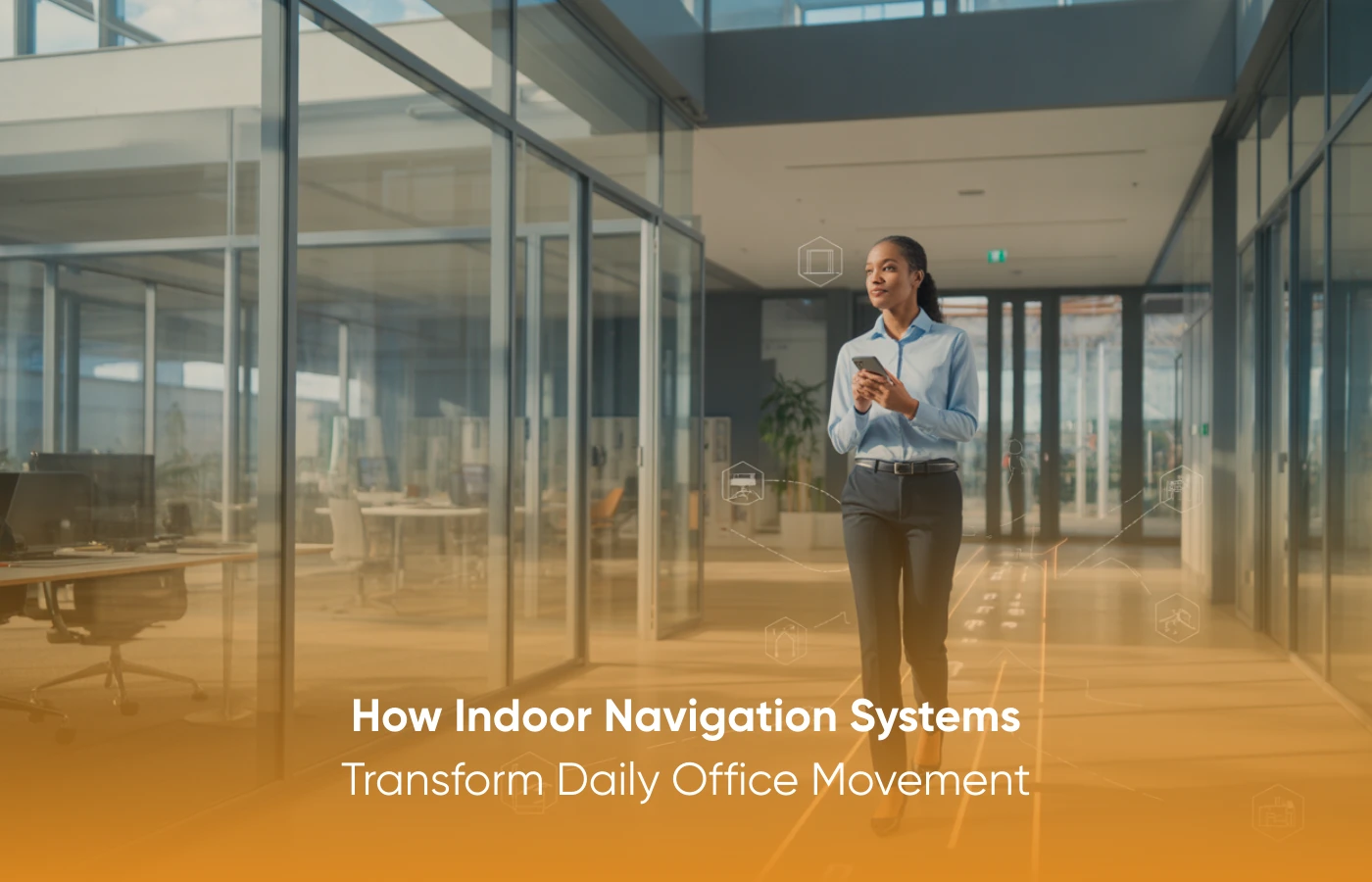
A modern workspace feels alive from the moment people step inside. Visitors look for the reception. Employees move between focus zones and collaboration areas. Hybrid workers reorient themselves after a few days away. Facility teams monitor movement patterns to keep the building running smoothly. Each group interacts with the space differently, yet all rely on clarity to navigate confidently.
Indoor Navigation Systems bring that clarity. These tools turn large, complex layouts into intuitive experiences through real-time cues, digital maps, and visual pathways. As the day progresses, the system helps every group move with confidence. The sections ahead explore this technology from the viewpoints of the people who use it most.
This blog outlines how users such as visitors, employees, and facility teams interact with Indoor Navigation Systems.
How Visitors Experience Indoor Navigation Systems
Visitors experience Indoor Navigation Systems as guides that remove uncertainty from the moment they enter the building. Entering an office, especially during busy hours or in multi-floor buildings, can leave many guests disoriented. The visitor typically has basic questions, such as “Where is the meeting room?” “Which floor hosts the seminar?” or “How do they reach the waiting lounge?”
This support helps visitors feel welcome by giving them control of their own movement. It also reduces dependency on reception teams, making the entry experience more organized. Indoor Navigation Systems help create smoother first impressions, lower the chances of late arrivals, and present the workplace as structured and visitor-friendly.
Indoor Navigation Systems for Everyday Employees
Employees benefit because the wayfinding systems add structure to busy work environments. A typical workday involves moving between desks, meeting rooms, focus zones, and shared spaces. These transitions become more complex when offices expand, redesign layouts, or introduce new seating patterns.
It helps employees adapt quickly. A simple search shows available rooms. Updated floor maps reveal new spaces. Routes guide employees to reconfigured zones with accuracy. This keeps daily movement predictable, even in dynamic workplace setups.
Teams can also rely on the system to locate amenities such as wellness rooms, storage units, printers, or equipment points. Because these areas are not frequently visited, they can sometimes be easy to forget. Clear wayfinding reduces the time wasted in search and supports a smoother pace throughout the day.
These systems maintain clarity by offering a consistent guidance layer. Employees can rely on up-to-date information, which helps them stay focused, manage time more effectively, and move through the workspace with ease.
Reorientation Tools for Hybrid Teams
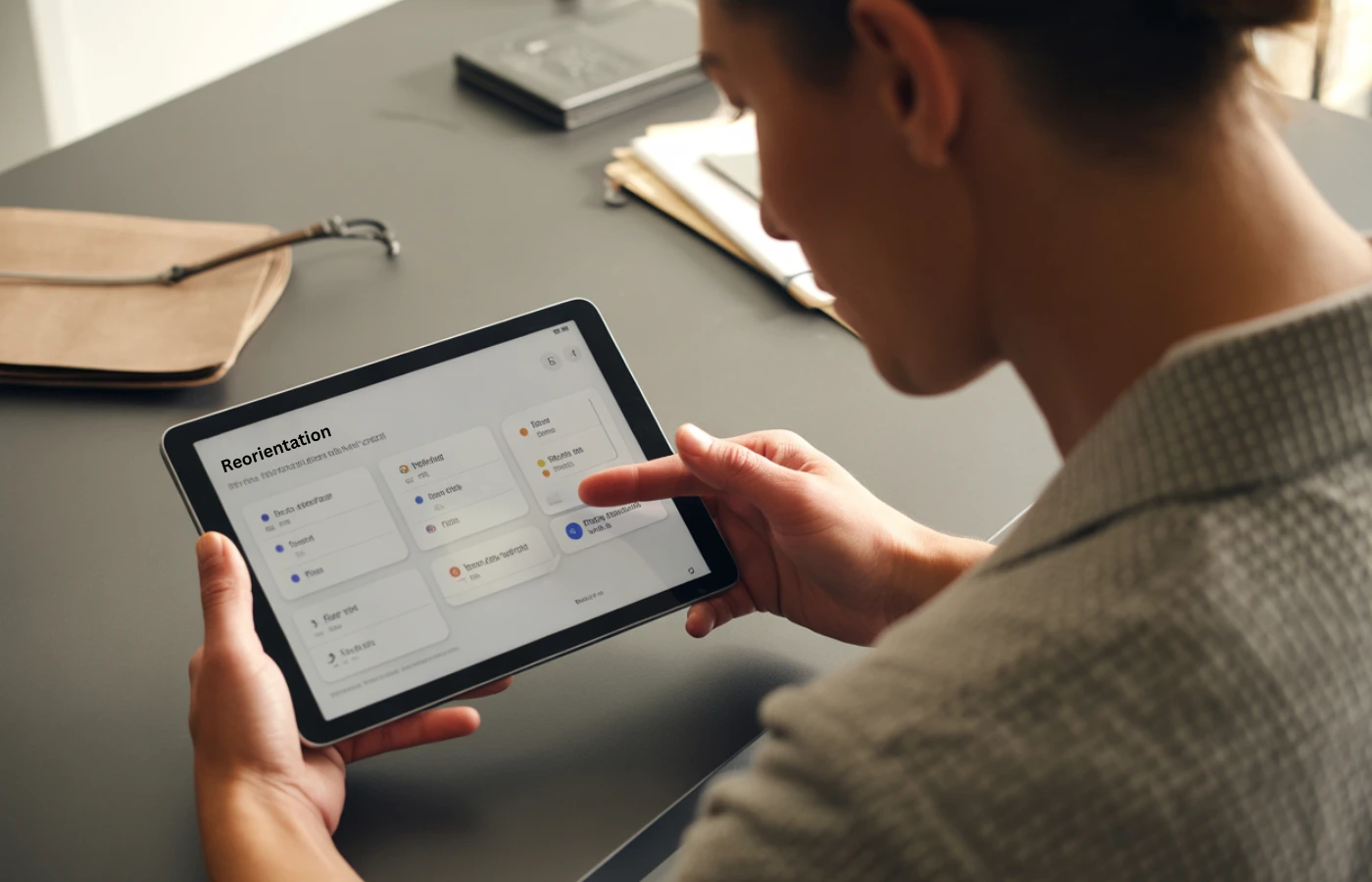
Hybrid workers rely on Indoor Navigation Systems to reconnect with the workplace after remote days. Their needs are different from those of employees who come in every day. Hybrid workers may notice changes such as shifted seating clusters, reassigned meeting rooms, or newly added collaboration zones when they return after a few days away.
It helps them reorient quickly with updated routes, floor guidance, and real-time desk availability. They can see where teammates are seated, which spaces are available, and how to reach new or reassigned areas in the office.
The technology supports hybrid routines such as:
1. Finding available seating in shared zones
2. Locating colleagues for teamwork
3. Moving to the correct meeting room after schedule changes
4. Understanding new seating assignments
5. Reviewing floor layouts that have changed since their last visit
These tools reduce early-day friction and help hybrid workers settle in smoothly. The system makes transitions between home and office more seamless, improving comfort and confidence.
Insight and Control for Facility Managers
Facility managers use these systems as operational intelligence tools. They observe how people move, identify which areas receive the most foot traffic, and recognize underused spaces. These insights help them plan improvements and support efficient space utilization.
These insights help them plan improvements and support efficient space utilization.
It also helps facility teams manage safety pathways and maintain clear emergency routes. During layout changes, route adjustments can be made digitally without replacing physical maps or directional signs. This flexibility saves time and ensures accurate wayfinding across all floors.
Advantages for facility teams include:
1. Clarity about movement patterns
2. Better planning for space allocation
3. Faster updates after layout revisions
4. Stronger safety pathways with guided instructions
5. Consistent wayfinding across complex environments
These Systems help leaders maintain spaces that function smoothly, even when demands increase or designs shift.
Smarter Coordination for Admin Teams
Admin teams work with Indoor Navigation Systems to support visitors, manage schedules, and coordinate daily activities. Their responsibilities often include room assignments, guest handling, and event preparation. Without proper wayfinding tools, they may handle repetitive directional questions throughout the day.
Indoor Navigation Systems reduce these interruptions by offering self-service guidance. Guests can scan a code or follow a digital path without needing manual explanations. Employees can check room availability or find the correct routes without stopping at the front desk.
The platform helps admin teams:
1. Manage event-based movement
2. Support accurate check-ins
3. Simplify room assignments
4. Improve internal communication
5. Reduce congestion during peak hours
Paired with digital reception tools, Indoor Navigation Systems create smooth journeys for both visitors and employees. Admin teams gain more time to focus on coordination and planning.
Conclusion
Indoor navigation systems play an indispensable part in building effective and user-friendly working environments. These systems support visitors, employees, hybrid teams, and facility staff by facilitating how buildings operate more transparently and regularly. With organizations being constantly in flux due to new layouts, flexible schedules, and changing work patterns, indoor navigation systems will adapt accordingly while keeping the system dependable and intuitive. They are a crucial part of modern work environments due to their ease of movement, solid coordination, and the facilitation of everyday flow.
AastroTech, enables workplaces to incorporate these capabilities through structured digital mapping and clear movement pathways designed to match evolving operational needs.
FAQs:
1. What are Indoor Navigation Systems?
Digital tools that help people navigate buildings using maps, cues, and location-based information.
2. Who benefits most from Indoor Navigation Systems?
Visitors, employees, hybrid workers, facility managers, and admin teams.
3. Can Indoor Navigation Systems improve productivity?
Yes. They reduce time wasted searching for rooms, desks, or equipment.
4. Do Indoor Navigation Systems support accessibility?
Yes. They guide users through accessible, mobility-friendly paths.
5. Are Indoor Navigation Systems helpful for hybrid offices?
Yes. They help hybrid employees reorient quickly after time away.
6. Can Aastro assist facility teams using these Systems?
Yes. Aastro Tech helps facility teams manage updates, review movement patterns, and maintain system accuracy.
7. How does Aastro help keep wayfinding consistent across floors?
Aastro aligns navigation logic across all levels so users experience clear and unified guidance.
8. Do Indoor Navigation Systems work in multi-floor buildings?
Yes. They provide floor-to-floor guidance and help users transition smoothly between levels.
