Locker Management System
for Smarter, Secure Workspaces
AastroTech turns existing coin, key, and mechanical lockers into connected, trackable assets. The system is retrofitted in place, managed from the cloud, and backed by a complete digital access trail.
A locker management system is a digital solution that enables organizations to assign, manage, and monitor locker access without relying on physical keys, paper logs, or manual processes.
Key points:
1. Retrofit-ready hardware: Connects to existing lockers with battery-powered Bluetooth Locks, no full replacement required.
2. Cloud-based control: Admins assign, reassign, lock, or unlock lockers remotely from a single dashboard.
3. Complete access trail: Every lock and unlock event is tracked with a timestamped, searchable record.
4. Reduced key dependency: Eliminates lost-key issues, manual tracking, and untraceable locker access.
5. Flexible use cases: Supports employee lockers, device lockers, parcel collection, and multi-location management.
6. Fast deployment: Existing locker banks are upgraded without major construction or downtime.
What Is a Locker Management System?
A locker management system is a digital platform that helps organizations assign, monitor, and manage locker access without physical keys or manual records.
It helps reduce lost-key issues, manual tracking, untraceable access, and underused locker space without requiring organizations to replace their existing locker bank.
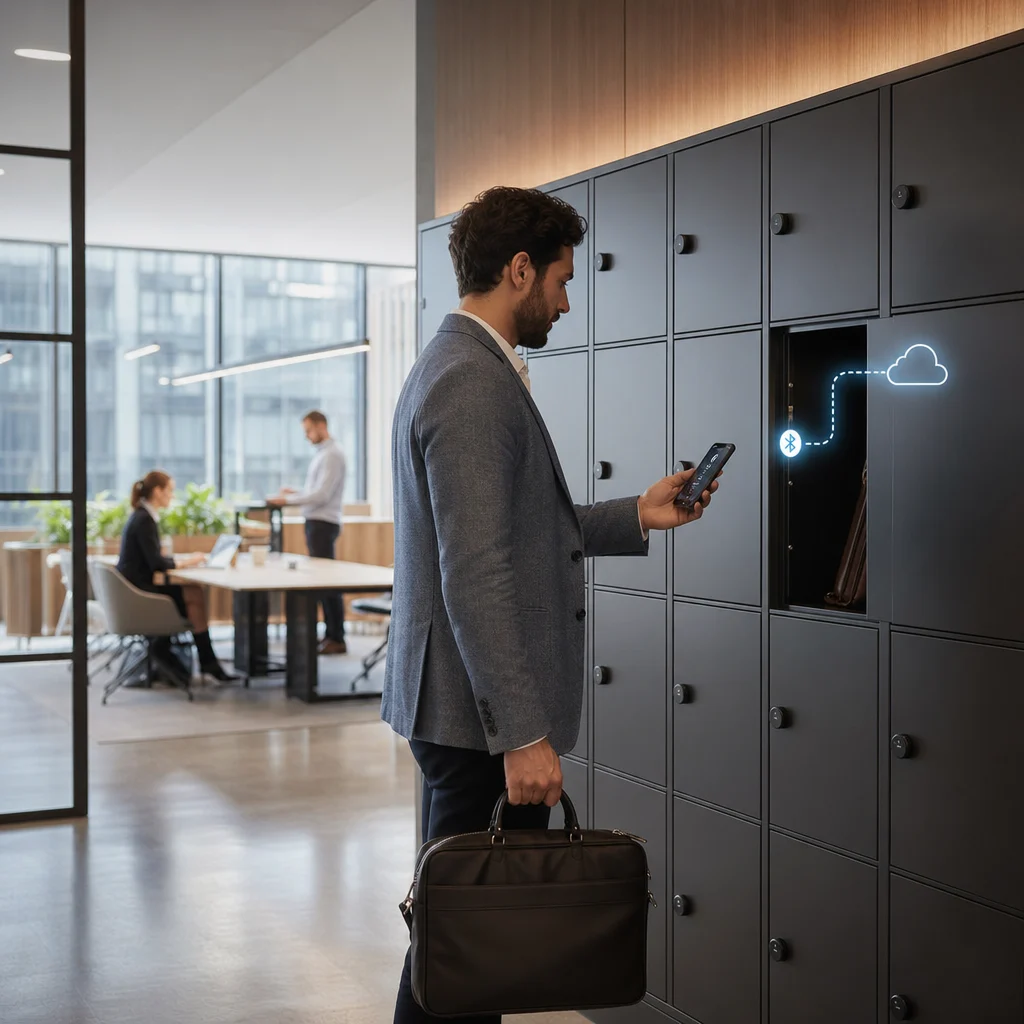
How AastroTech’s Locker Management System Works
AastroTech’s locker management system is designed to upgrade existing lockers instead of replacing them. The process is simple, practical, and built for low disruption.
1. Assess and Retrofit
A technician reviews the existing locker bank, checks compatibility, and maps the installation plan. Battery-powered Bluetooth Locks are then fitted onto the existing locker holes. This means there is no need for new locker units, major construction, or rewiring.
2. Connect and Configure
Each lock is connected to the AastroTech platform through Bluetooth. Admins can configure user permissions, locker assignment rules, access duration, and site-level controls from a browser-based dashboard.
3. Manage From the Cloud
Facility teams can assign, reassign, lock, unlock, monitor, and pull usage reports remotely. Whether the lockers are used in one office or across multiple sites, everything can be managed through one connected platform.
4. Go Live with Support
Once configured, the system is tested against real locker hardware and facility teams get a walkthrough of the dashboard before going live, so there’s no gap between installation and day-to-day use.
Hardware at a Glance
Every hardware specification is designed around two priorities: minimal disruption during installation and reliable performance after deployment.
| Specification | Detail |
|---|---|
| Lock type | Battery-powered BT lock retrofitted onto existing locker holes |
| Battery life | Up to 18 months per charge under typical daily use |
| Connectivity | Bluetooth Low Energy, paired to an onsite gateway |
| Offline buffer | Stores up to 30 days of access logs locally |
| Build | Vandalism-proof housing built for high-traffic use |
| Installation time | Under 10 minutes per locker, with no rewiring required |
Built for the Way Your Workspace Uses Lockers
Different workplaces use lockers differently. Some need employee storage. Some need device control. Others need parcel collection or equipment accountability. AastroTech supports these use cases through one flexible locker management platform.
1. Hybrid and Hot-Desk Offices: In hybrid offices, employees may not have fixed desks, but they still need secure storage. AastroTech allows lockers to be assigned daily, weekly, permanently, or based on attendance patterns. This gives employees reliable storage without requiring a fixed workstation.
2. Device and Equipment Lockers: For organisations that manage laptops, scanners, tools, tablets, PPE, or shared assets, locker access must be traceable. AastroTech creates a logged chain of custody, helping teams know who collected an item, when it was accessed, and when it was returned.
3. Parcel and Click-and-Collect: For parcel, document, or internal delivery workflows, AastroTech can support click-and-collect use cases. An item can be placed inside a locker, the recipient can be notified, and collection can happen without depending on a staffed counter.
Where AastroTech Fits
AastroTech is built for modern workspaces where locker usage changes throughout the day, week, or shift cycle.
1. Coworking and Managed Offices: Coworking spaces often manage lockers across day passes, members, hot desks, meeting rooms, and shared facilities. AastroTech helps automate locker assignment and release so operators can reduce manual coordination.
2. Corporate Campuses: Large offices and corporate campuses often have lockers spread across multiple floors, buildings, or locations. AastroTech brings those lockers into one dashboard, giving teams location-wise usage visibility and easier administration.
3. Manufacturing and Warehouses: In industrial environments, lockers are often used for PPE, shift-based belongings, tools, or controlled equipment. AastroTech helps replace paper sign-out sheets with digital access records and better accountability.
4. Educational Institutions: Schools, colleges, and training centres can use connected lockers for student, staff, device, or document storage. This reduces lost-key issues and makes daily locker administration easier to manage.
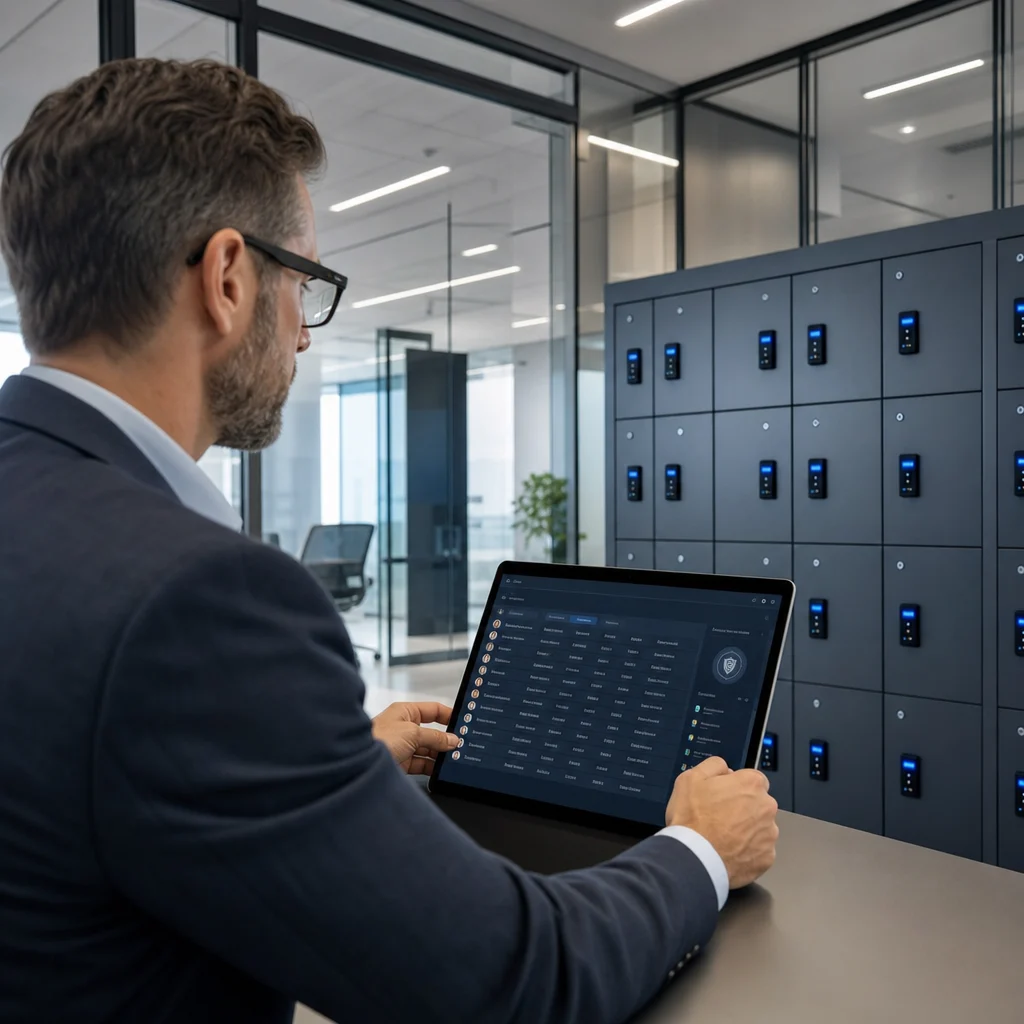
Security You Can Audit, Not Just Trust
Key security features include:
2. Searchable, timestamped locker activity records
3. Vandalism-proof hardware built for daily use
4. Role-based admin access for better control
5. Audit-ready reporting for security reviews and investigations
AastroTech vs. Traditional Lockers
| Capability | Coin / Mechanical Lockers | AastroTech |
|---|---|---|
| Access record | No digital record | Full lock and unlock trail |
| Installation | Often needs replacement | Retrofits onto existing locker holes |
| Remote management | Not possible | Assign, reassign, and release remotely |
| Lost-key risk | High | No physical key dependency |
| Usage visibility | Manual or guesswork | Real-time analytics dashboard |
| Incident review | Slow and manual | Searchable access logs |
| Scalability | Limited | Supports single-site and multi-site use |
| Build quality | Varies | Vandalism-proof design |